Resources
HypaLabs resources
Guides for artists and labels - how switching works, what we rebuild, and what to expect.
For Artists
HypaLabs Artist Guide
The HypaLabs Artist Guide
Everything you need to run your music on HypaLabs - from your first login to moving your entire catalog over. Keep this handy; it is linked from your welcome email and your portal.
Questions any time: info@hypalabs.co
1. Welcome to HypaLabs
HypaLabs is a curated home for your music: distribution, transparent royalties, fast withdrawals, and a one-step way to bring your existing catalog with you. We review every artist by hand so the platform stays high quality for everyone on it.
What makes HypaLabs different:
- We rebuild your catalog for you. Paste one link and we reconstruct your releases, tracks, artwork, and identifiers.
- You only supply what no one else can: your master audio.
- You stay in control. Nothing transfers until you approve it.
2. Account setup
- Apply at the signup page.
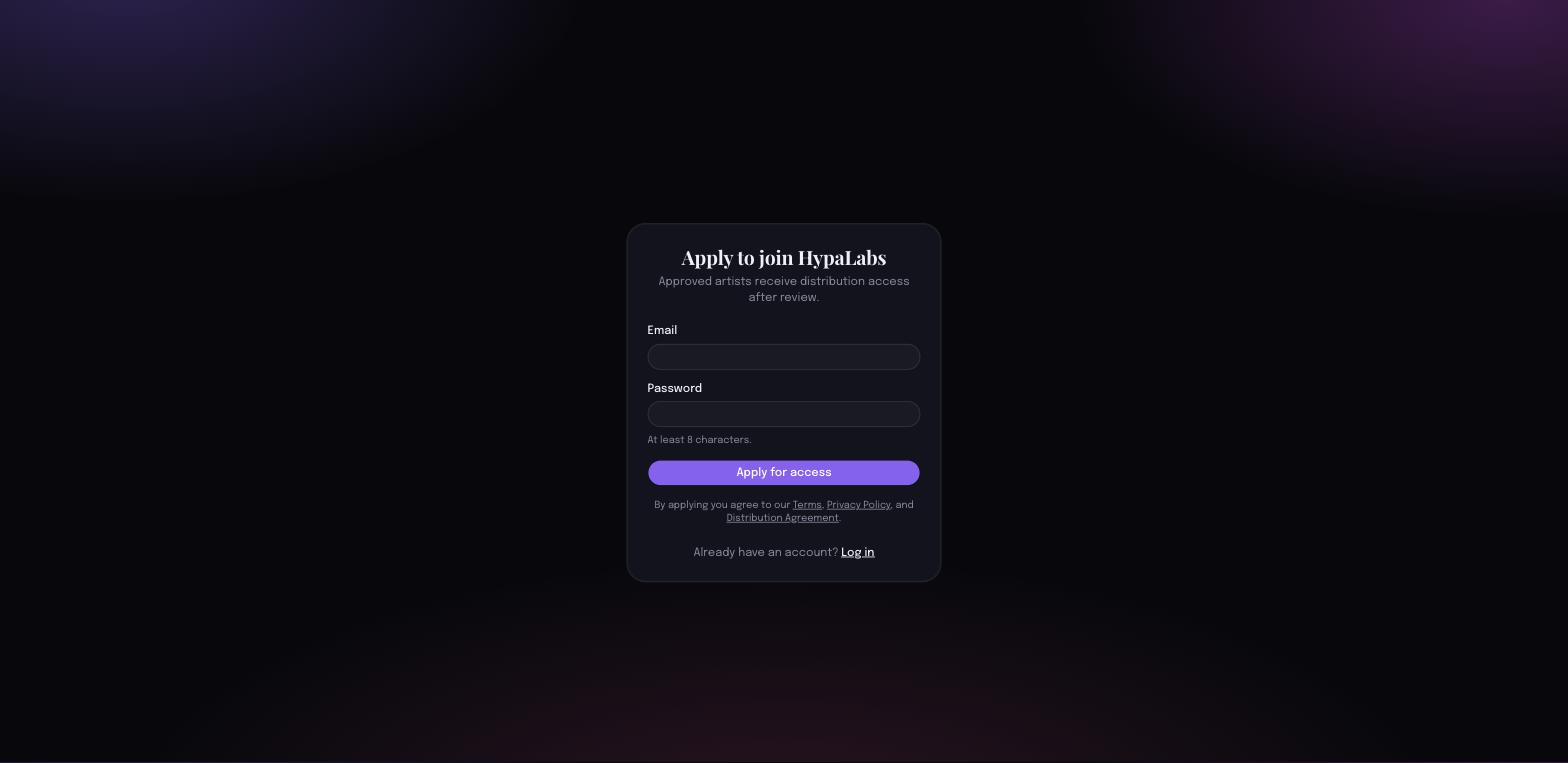
- We review your application. You will get an email the moment you are approved.
- Log in any time at the login page.
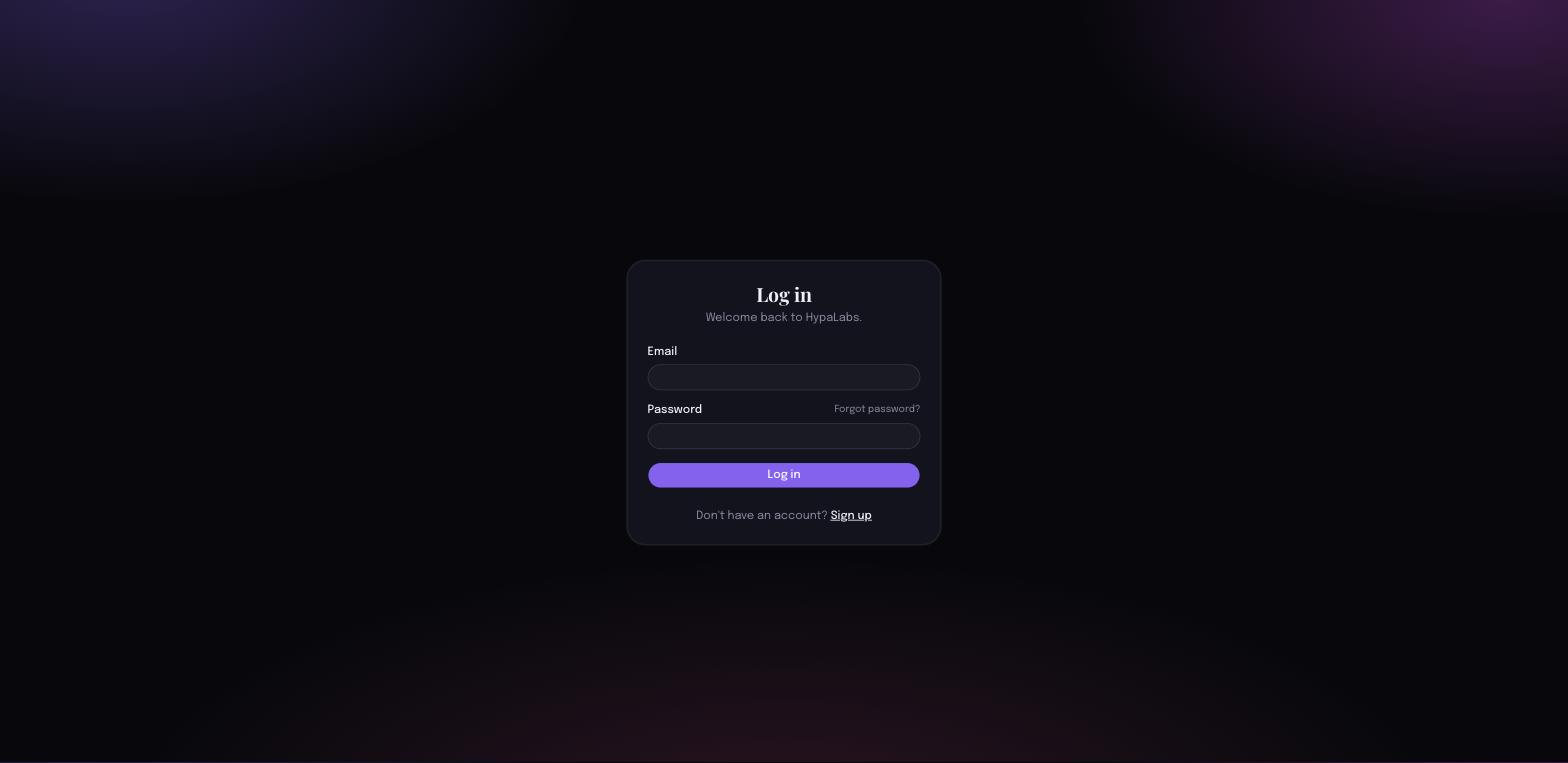
3. Onboarding
After approval, set up your artist profile - your name and the rights confirmations we need before distribution.
You confirm two things: that you control the music you distribute, and that you accept the HypaLabs distribution agreement. These unlock release creation and withdrawals.
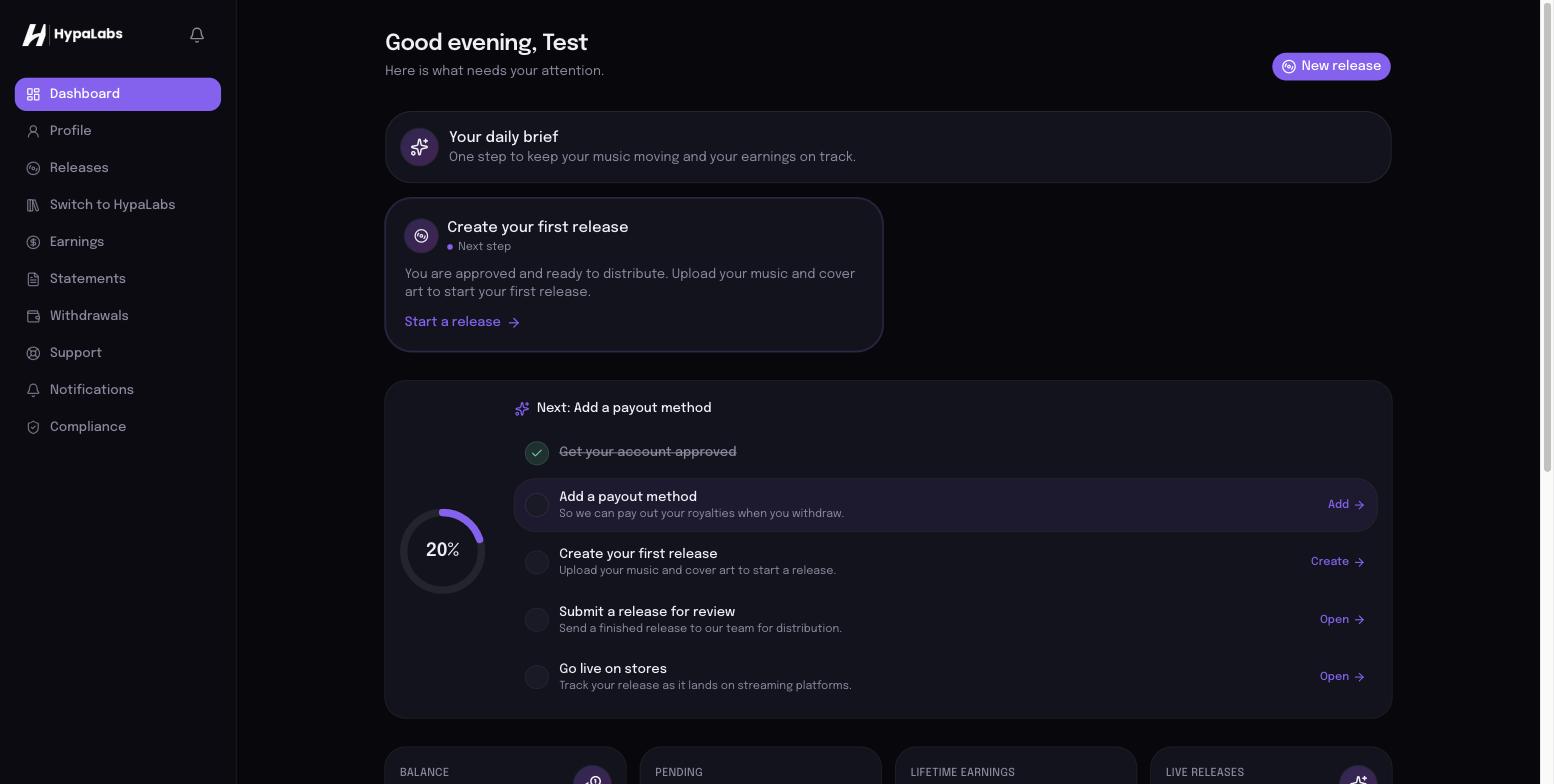
4. Your portal
Your portal is home base: a daily brief, your releases, earnings, and support.
5. Creating a release
From the portal, choose Create release. Add your release details and tracks; we handle metadata structure, identifiers, and delivery once you approve.
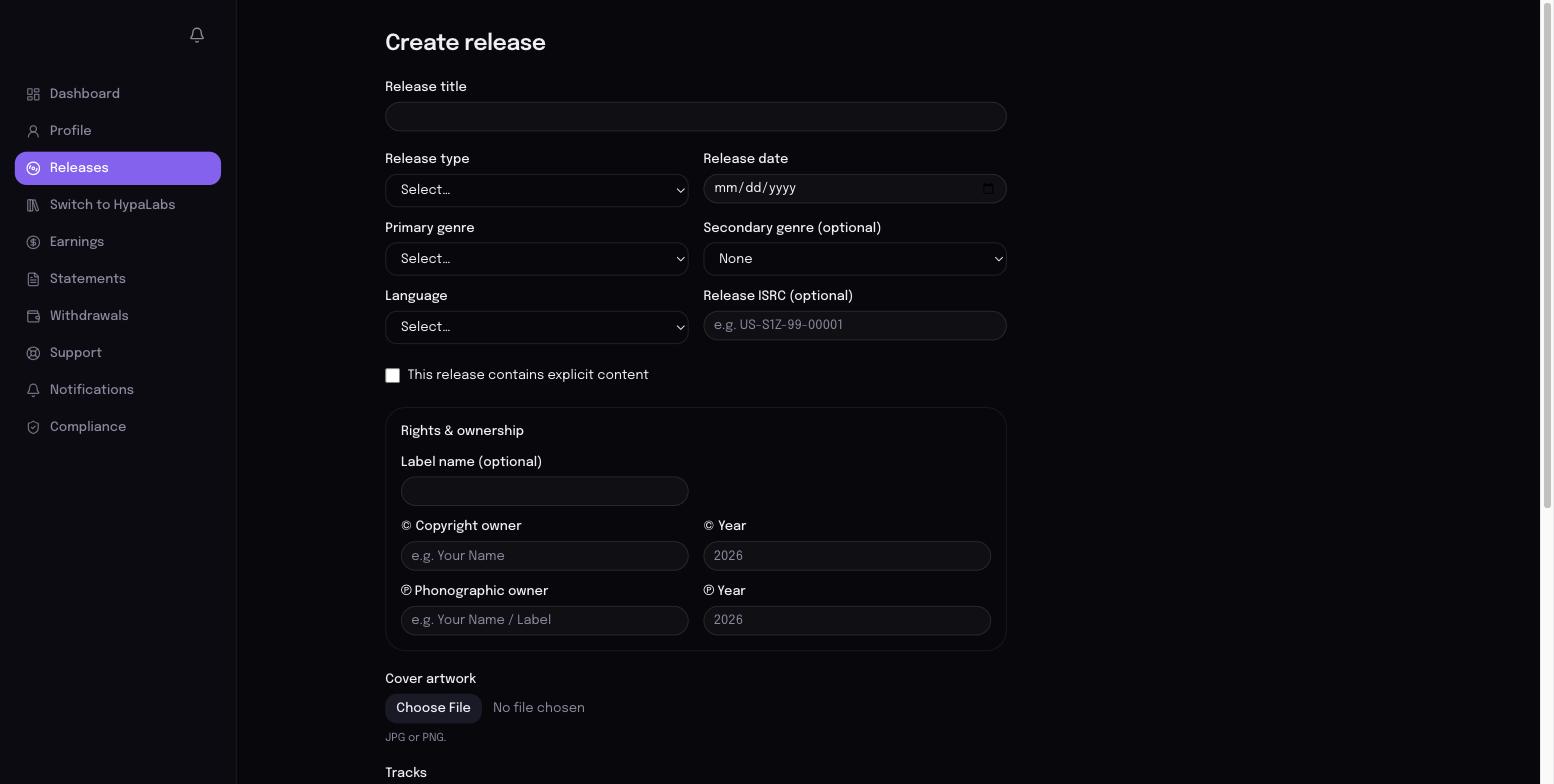
Note: release creation and withdrawals unlock once your account is approved. If you are still under review, you will see a review notice instead of the form.
6. Uploading artwork and audio
- Artwork: square cover art at the highest resolution you have.
- Master audio: WAV, FLAC, or AIFF are preferred (true masters). MP3/M4A are accepted as reference only. Your masters are the one thing no distributor or streaming service can hand over - so they are the one thing we ask you to provide.
7. Royalties
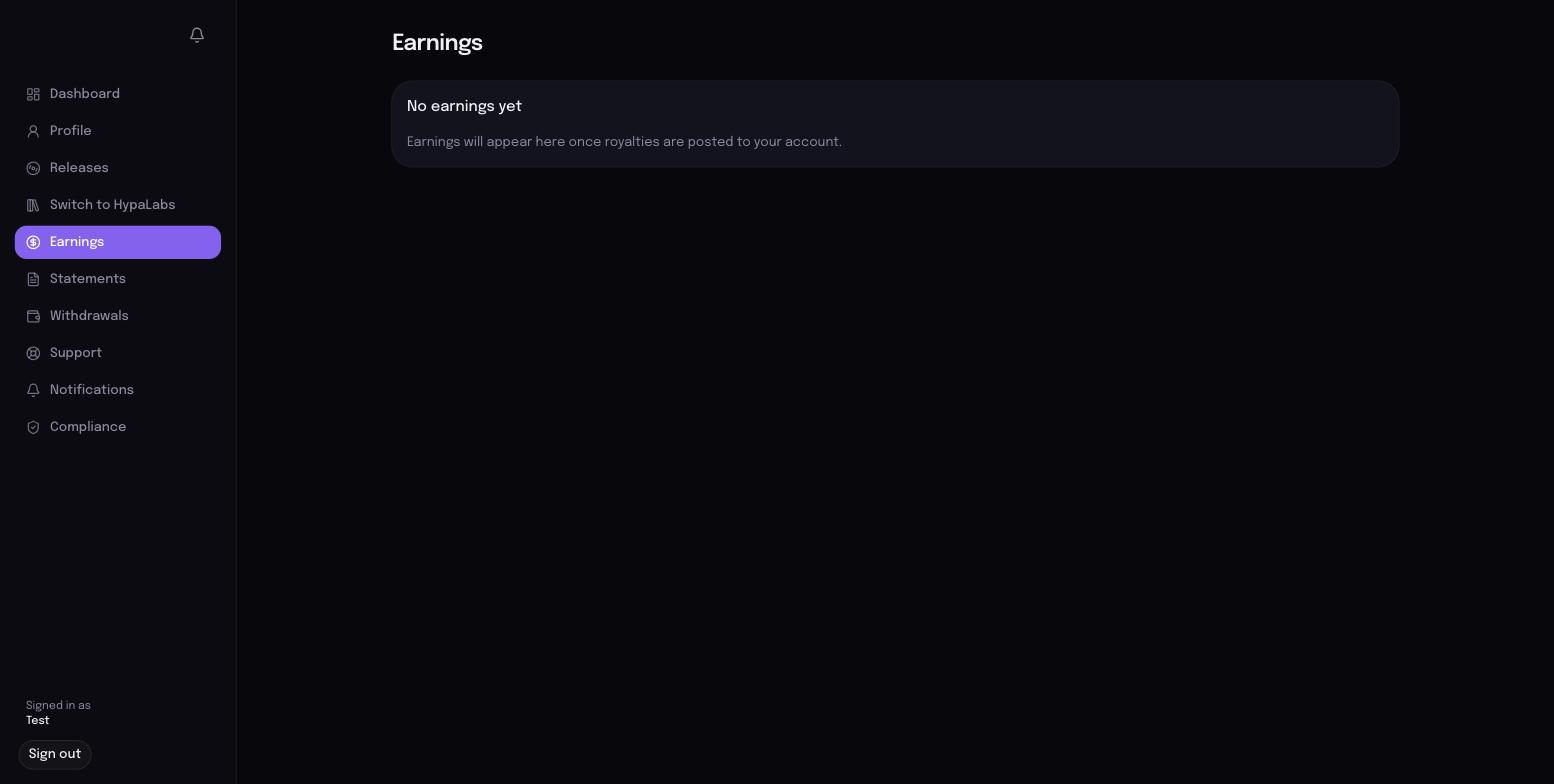
Earnings post to your ledger as statements come in, and your balance updates automatically. Everything is transparent down to the line.
8. Withdrawals
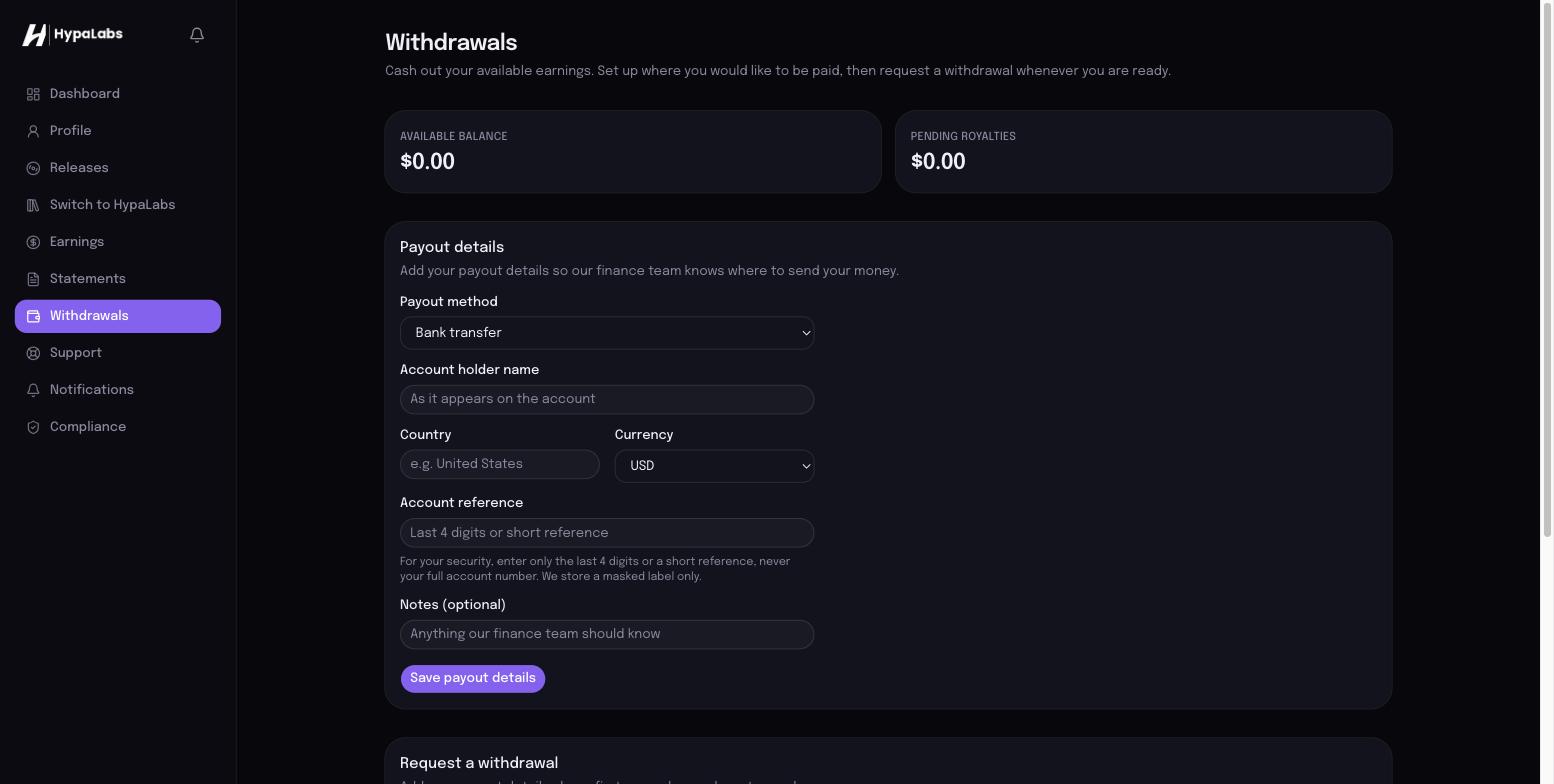
Add your payout details once, then request a withdrawal whenever you like. Our finance team reviews each request for security, then pays out - and you can track the status the whole way.
9. Support
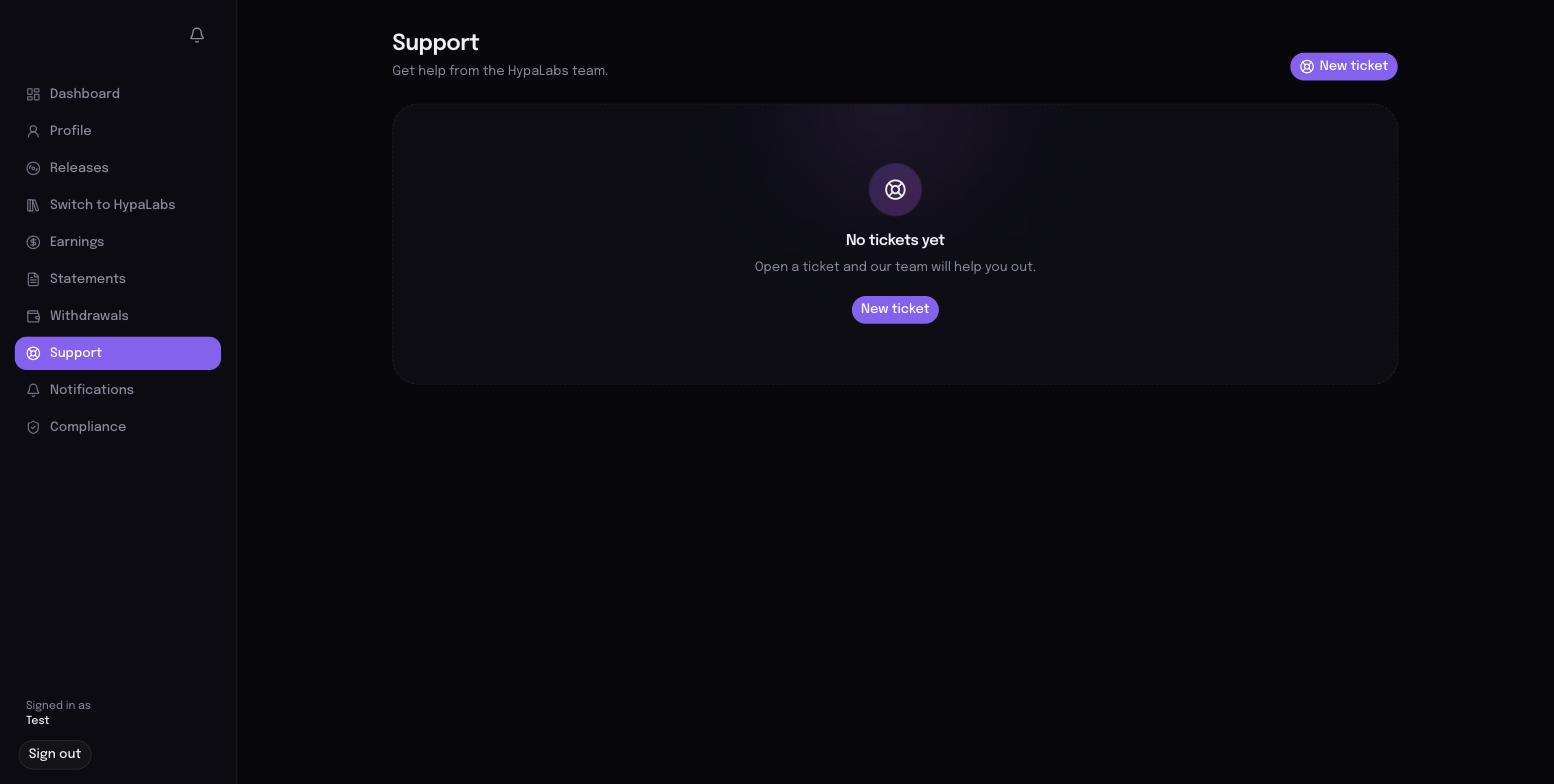
Open a ticket from your portal and a real person responds. We track every request until it is resolved.
Or email info@hypalabs.co.
10. Switch to HypaLabs (Catalog Reconstruction)
Already releasing elsewhere? Bring your catalog with you in one step.
- Paste your Spotify or Apple Music artist link (or type your name).
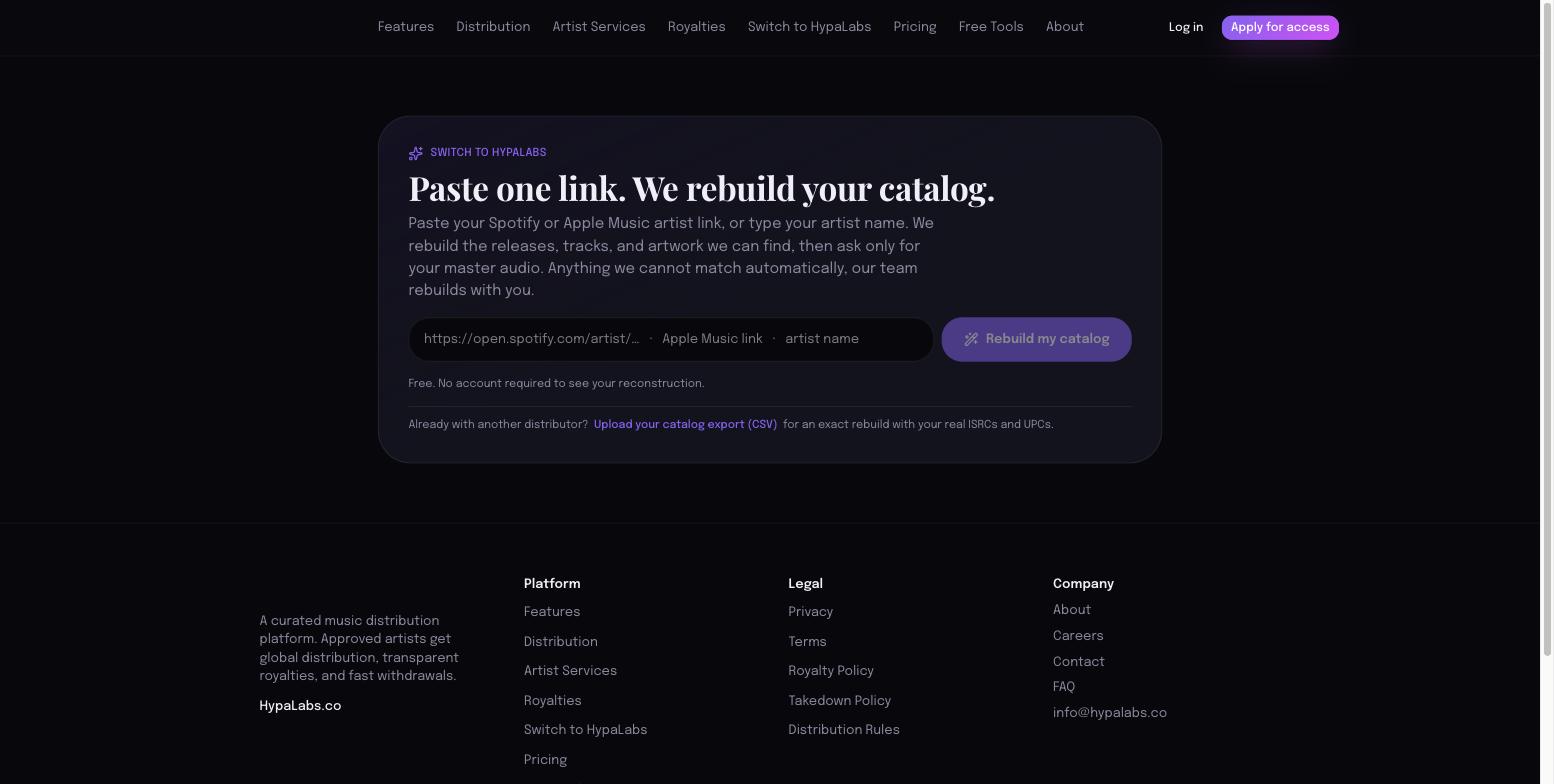
- We rebuild your catalog - releases, tracks, artwork, identifiers.
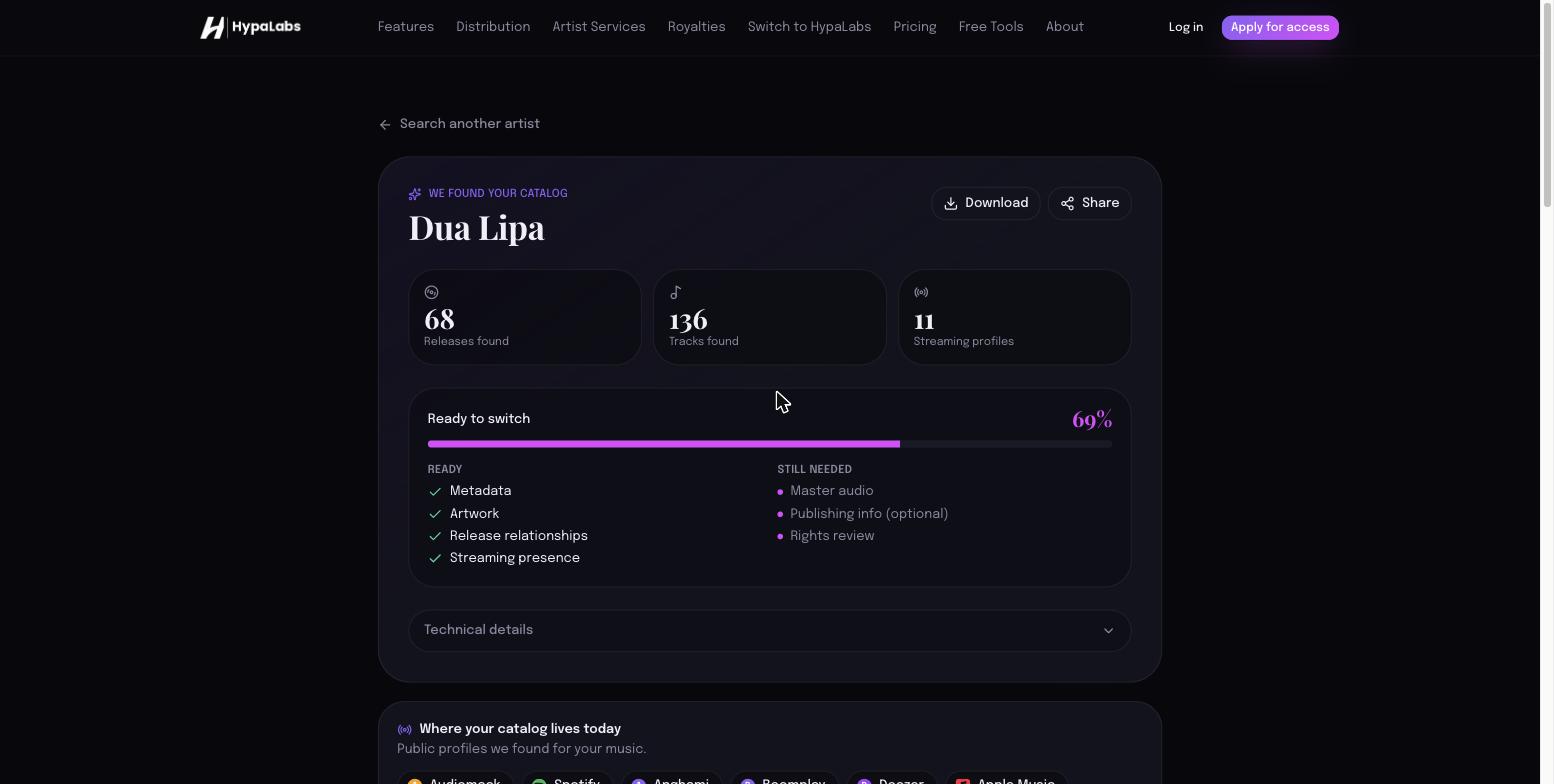
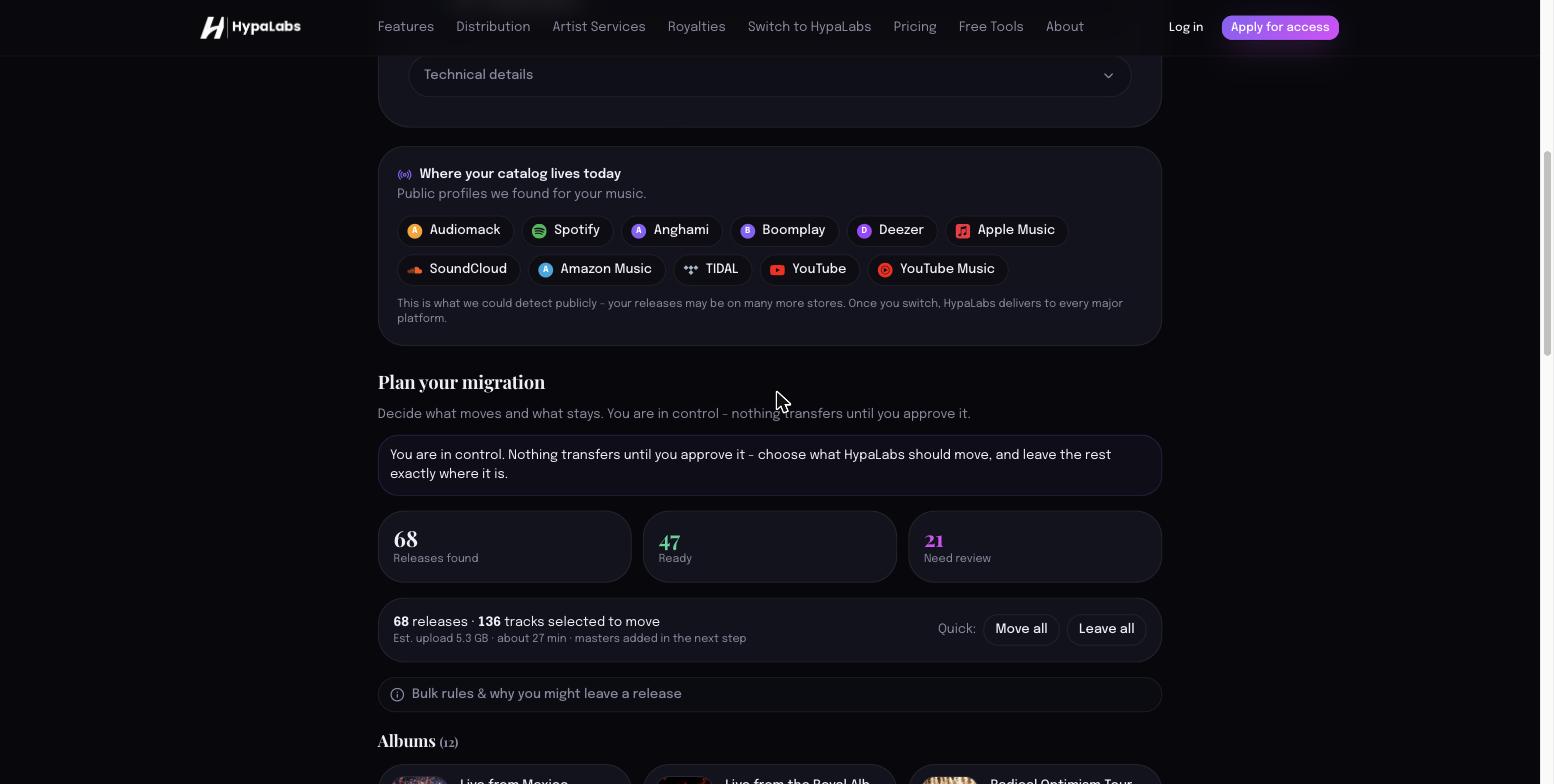
- Plan what moves and what stays (you are in control).
- Upload your masters - we match them to your tracks automatically.
- Create your account to securely finish the move. Nothing transfers until you approve the final plan.
Try it now: {{switch_url}}
11. What HypaLabs needs from you
- Your master audio (the only thing we cannot reconstruct).
- Confirmation you control the rights to what you distribute.
- Your payout details, when you are ready to withdraw.
- Accurate artwork where we could not recover it.
12. Best practices
- Use lossless masters (WAV/FLAC/AIFF) for the best quality across stores.
- Keep artist and release names consistent across releases.
- Name master files clearly (the track title, or the ISRC) so matching is instant.
- Review your reconstructed catalog before approving - you decide what moves.
- Add publishing splits when you have them (optional for distribution).
HypaLabs - a curated music distribution platform. {{site_domain}} · info@hypalabs.co
Catalog Reconstruction Guide (Switch to HypaLabs)
Switch to HypaLabs: Catalog Reconstruction
Bring your existing catalog to HypaLabs from one link. We rebuild your releases, tracks, artwork, and identifiers, then ask only for the one thing no service can hand over - your master audio. You stay in control the whole way; nothing transfers until you approve it.
Start at {{switch_url}} · Questions: info@hypalabs.co
1. Paste one link
Paste your Spotify or Apple Music artist link, or type your artist name.
Already exporting from another distributor? Use Upload your catalog export (CSV) for an exact rebuild with your real ISRCs and UPCs.
2. We rebuild your catalog
In seconds you see your reconstructed catalog: releases, tracks, artwork, and how ready it is to switch.
"Streaming profiles" shows where we found your music publicly - your releases may be on many more stores, and once you switch, HypaLabs delivers to every major platform.
3. Plan what moves
You do not have to move everything. Group by Albums, Singles, EPs, and Features; choose Move / Leave / Archive per release.
4. Upload your masters
Drop your master files and we match them to your tracks automatically (by filename, title, and identifiers). We show matched, needs‑review, and unmatched.
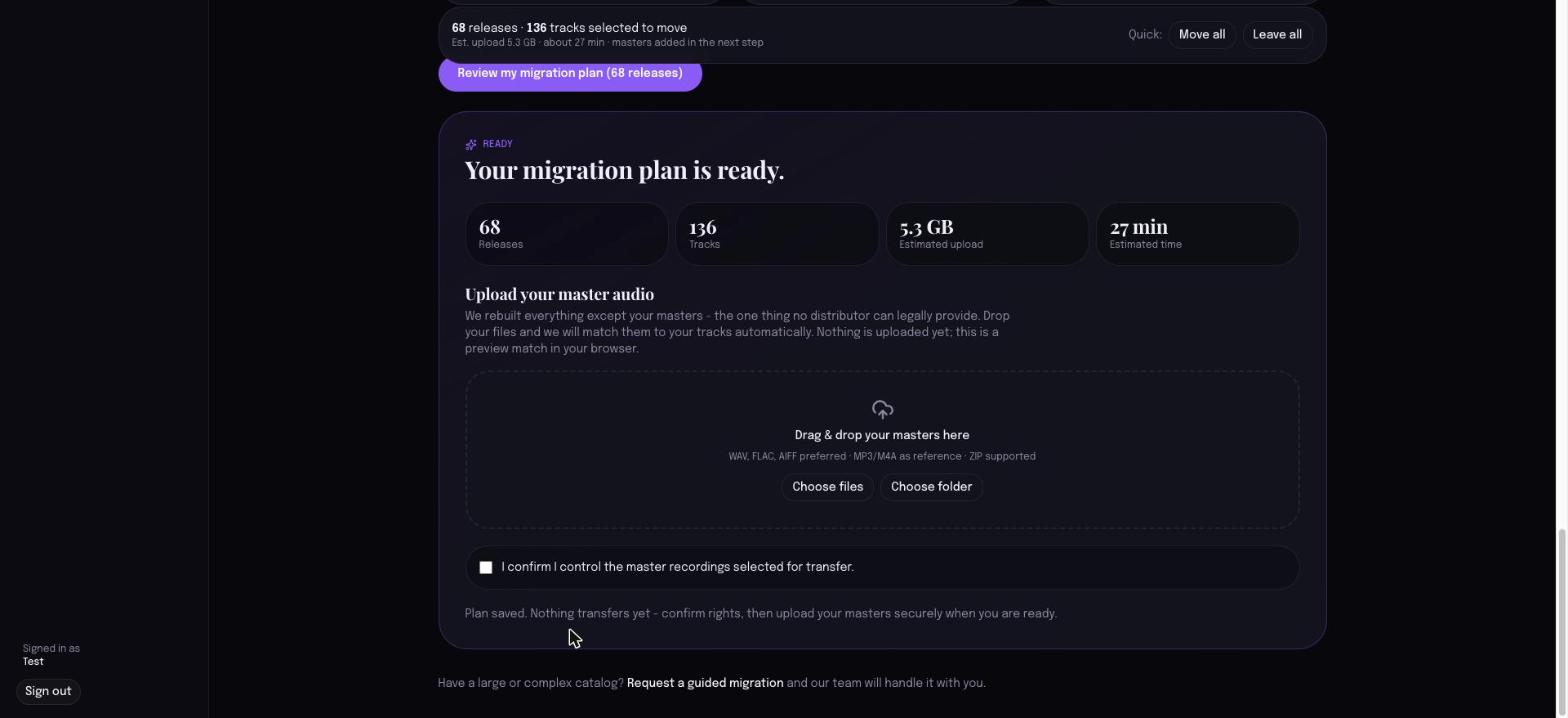
WAV, FLAC, and AIFF are preferred (true masters). MP3/M4A are accepted as reference.
5. Confirm rights + continue
Confirm you control the masters selected for transfer, then create your account to finish the move securely. Nothing transfers until you approve the final plan.
What we can and cannot recover
- We rebuild: releases, tracks, titles, artwork, and identifiers we can find.
- You supply: your master audio (no distributor or DSP can hand it over), and confirmation of your rights.
- Coverage is honest: for some independent artists, identifiers (ISRC/UPC) are not publicly recoverable - upload your export for an identifier‑true rebuild, or our team rebuilds any gaps with you.
Best practices
- Paste your Spotify link for the most complete match, or upload your CSV export for exact identifiers.
- Name master files by track title or ISRC so matching is instant.
- Review before you approve - you decide what moves.
Related
- Artist Guide · Uploading Masters · Label Guide · FAQ.
Artist FAQ
Frequently Asked Questions
The questions artists ask most. For the public version, see {{faq_url}}.
Getting started
- What is HypaLabs? A curated music distribution platform: distribution to every major store, transparent royalties, fast withdrawals, and one-step catalog switching.
- How do I join? Apply for access; every artist is reviewed by hand. You get an email when approved.
- Why application-based? Every artist application is reviewed by hand, and curation keeps the platform high quality for everyone on it.
- What does it cost? No upfront fees; HypaLabs earns a share of your royalties. See Pricing.
Switching / catalog
- Can I bring my existing catalog? Yes - Switch to HypaLabs rebuilds it from one link or your catalog export. See the Catalog Reconstruction Guide.
- Will everything move automatically? You choose what moves. Nothing transfers until you approve it.
- Why are some releases missing after reconstruction? Public sources are uneven for some artists. Paste your Spotify link or upload your export for a complete, identifier-true rebuild - or our team fills the gaps with you.
Masters + rights
- Why do you need my masters? No distributor or streaming service can hand over your master audio - it is the one thing only you have. You upload it once and we match it automatically.
- What audio formats? WAV, FLAC, AIFF preferred; MP3/M4A as reference.
- Do I keep my rights? Yes. You own your masters. You confirm you control what you distribute before anything transfers.
Money
- How do royalties work? Earnings post to your ledger as statements arrive; your balance updates automatically. See the Royalties Guide.
- How do I get paid? Add payout details, then request a withdrawal. Finance reviews and pays out. See the Withdrawals Guide.
Support
- How do I get help? Open a ticket from your portal, or email info@hypalabs.co. A real person responds and we track it until resolved.
Related
- Artist Guide · Catalog Reconstruction · Royalties · Withdrawals Guides.
For Labels
HypaLabs for Labels - One Pager
Switch your catalog to HypaLabs
A curated distribution platform built for serious catalogs. Global reach, honest accounting, and real operational support - with a one-step way to bring your existing catalog over.
Why switch
Catalog Reconstruction. Paste one link (or upload your export) and we rebuild your catalog - releases, tracks, artwork, and identifiers. You only supply your master audio and confirm your rights. Nothing transfers until you approve it.
Transparent royalties. Earnings post to the ledger and are visible down to the line. Withdrawals are reviewed and paid quickly.
Operational support. A real operations team and Command Center sit behind the platform - your migration and ongoing releases are actively managed, not queued into a void.
Fast onboarding. From one link to a reviewed, ready-to-move catalog in minutes.
Curated quality. A reviewed, curated roster keeps the platform premium for everyone on it.
What we need from you
- Your catalog export (for identifier-true reconstruction) or your artist links
- Master audio for the releases you move
- Confirmation you control the rights
The move, in four steps
- Reconstruct your catalog from one link or a CSV export
- Choose what moves (you stay in control)
- Upload masters - we match them automatically
- Approve the plan - then we distribute
Reach: 150+ stores and platforms · You own your masters · No upfront fees. [CEO INPUT: confirm public figures + label pricing.]
Talk to us: info@hypalabs.co · [CEO INPUT: booking link / phone]
HypaLabs Label Guide
The HypaLabs Label Guide
For labels, managers, and catalog owners: how HypaLabs helps you move a catalog, keep royalties transparent, and run distribution with real operational support.
Contact: info@hypalabs.co
Why labels switch to HypaLabs
- Catalog Reconstruction - bring an existing catalog over from one link (or a CSV export), with releases, tracks, artwork, and identifiers rebuilt for you.
- Transparent royalties - earnings post to the ledger and are visible down to the line; fast, reviewed withdrawals.
- Operational support - a real operations team and Command Center behind the platform, not a black box.
- Curated quality - a reviewed, curated roster keeps the platform premium.
Moving your catalog
Paste one artist link (or upload your catalog export) and we rebuild it.
You review and approve exactly what moves. Nothing transfers until you approve it, and we only ask you for master audio and rights confirmation - the two things no service can recreate.
What HypaLabs needs from a label
- Your catalog export (for identifier-true reconstruction) or the artist links.
- Master audio for the releases you move.
- Confirmation you control the rights to what you distribute.
Operational support
Behind the product, HypaLabs runs a Command Center with work queues, catalog transfer tooling, distribution jobs, and support - so a label's migration and ongoing releases are actively managed, not queued into a void.
Getting started
[CEO INPUT] Confirm the label onboarding path (multi-artist account model, pricing for labels, dedicated contact). Until then, email info@hypalabs.co and we will onboard your catalog directly.
Related
- Catalog Reconstruction Guide · Artist Guide · Teams & Permissions · Partner one-pager.